Marine aquarium screensaver on Ubuntu!
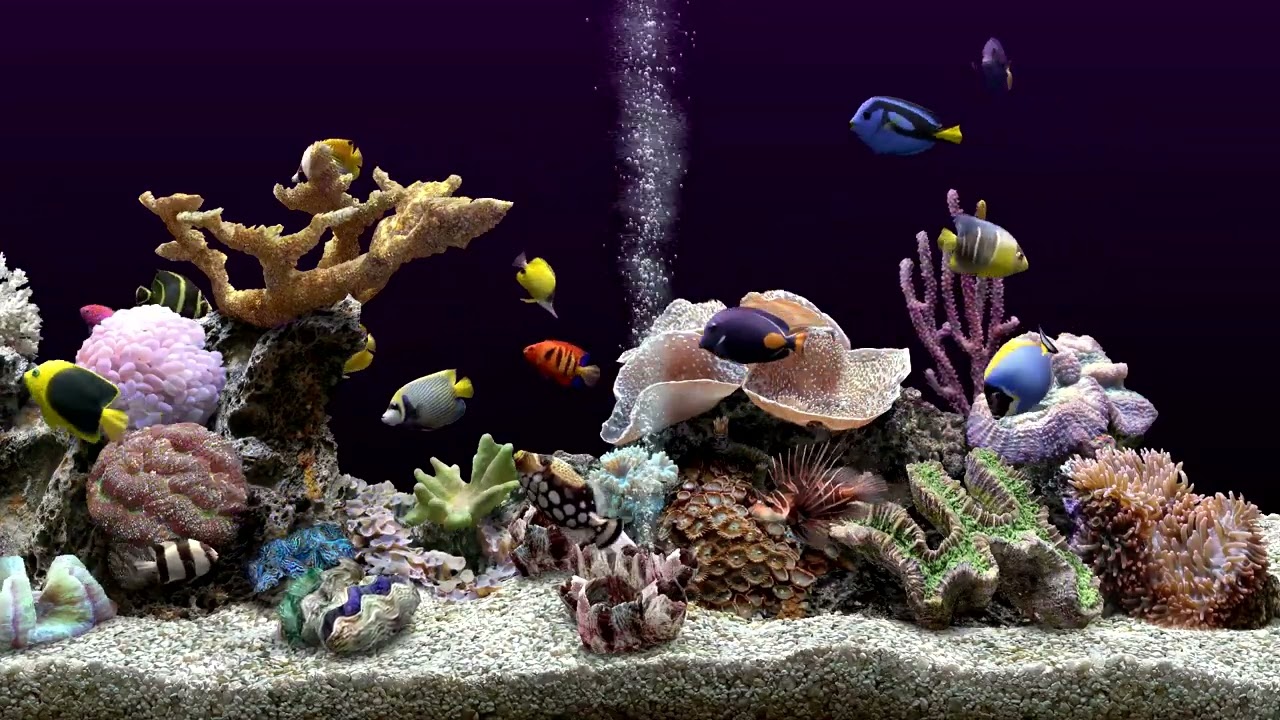
I’ve always loved having fish tanks! Fish have been some of my favourite pets, Siamese Fighters! Angelfish! Schools of Neon Tetra’s! Breeding Guppies! Wow lot’s of good memories. LGR on YouTube recently did a retrospective of a screen saver I remember so fondly from my childhood. The Serene Screen Marine Aquarium! I instantly brought a full version and installed it on my Windows 11 setup but then I started thinking… Can I get this working on Ubuntu?
It’s such a great screensaver and looking amazing on my 4K monitor. The LGR video is well worth a watch if you haven’t yet, it’s linked above. I do wish they were topical rather than marine fish, and to be honest I know very few of the included fishes names, but if you want an aquarium screensaver this is the one! Back to my question though, can I get this working in Ubuntu? Yes! And surprisingly easy.
1. Firstly download the screensaver, there is a free trial option as well.
2. Install wine
sudo apt-get install wine
3. Install wine32 architecture
sudo dpkg --add-architecture i386

sudo apt-get update

sudo apt-get install wine32:i386
4. Install the screensaver
sudo wine MarineAquarium.exe
5. Run the screensaver
sudo wine /home/USER/.wine/drive_c/windows/system32/MarineAquarium.src
Can I get this running automatically as a screensaver? Yes you can, I am going to link to an article that worked for me:
https://joefreeman.weebly.com/using-windows-sreensavers-on-linux.html